Clean Up Images
& Make Them Usable
Tidy up the background, fit the size, and save a lightweight file you can use right away — all in your browser.
Drop PNG, JPG or WebP files here
or click to browse
Clean up the image and save it as a ready-to-use asset.
See What You Get
A cleaned-up image that is ready to use as an asset.
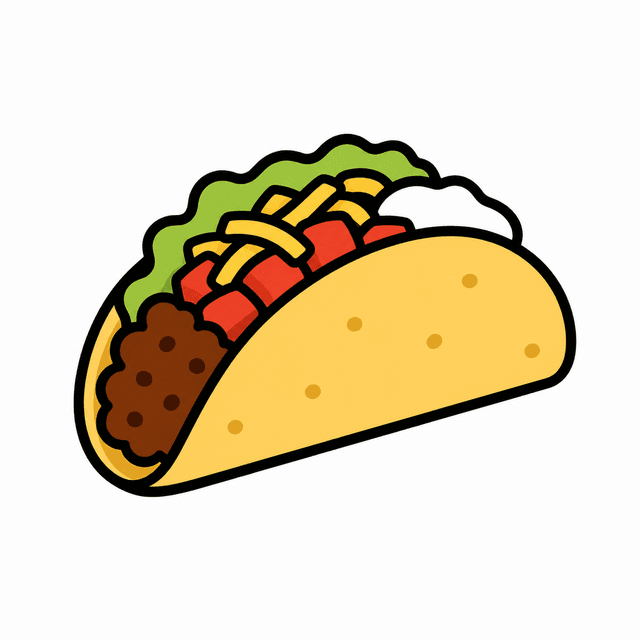

Sticker assets
Turn food sticker images into transparent assets for chats, menus, and app screens.


Characters
Prepare character assets for stickers, profile images, games, and chat graphics.
Icons & Logos
Ready for app icons, UI elements, and web assets.
Real sample review
Testing Transparent Sticker Images as Reusable Assets
These samples show how clear sticker-style subjects can become transparent WebP assets for chats, menus, and app screens.
Transparent sticker outputs
Sticker samples show the final state ByteCut targets: transparent edges, compact WebP files, and reusable food graphics.

Katsudon
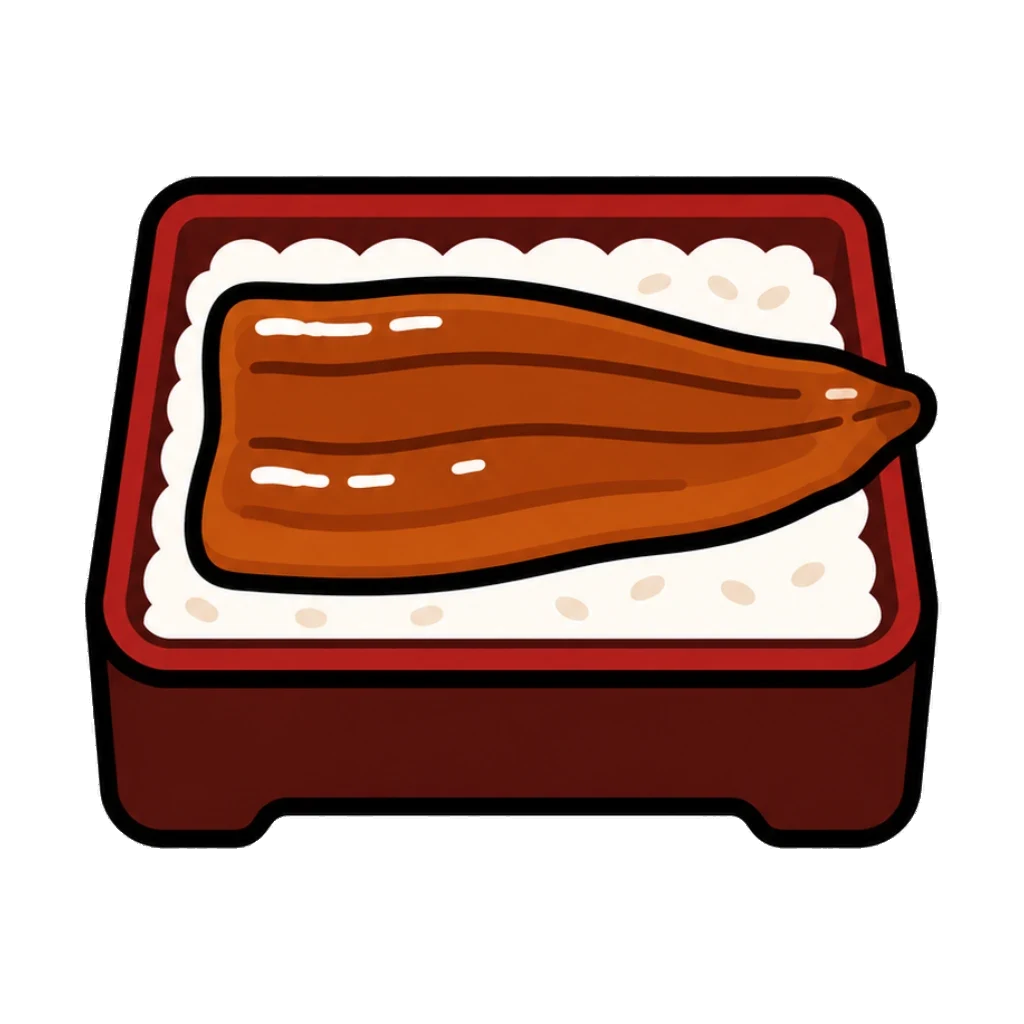
Unaju

Pretzel
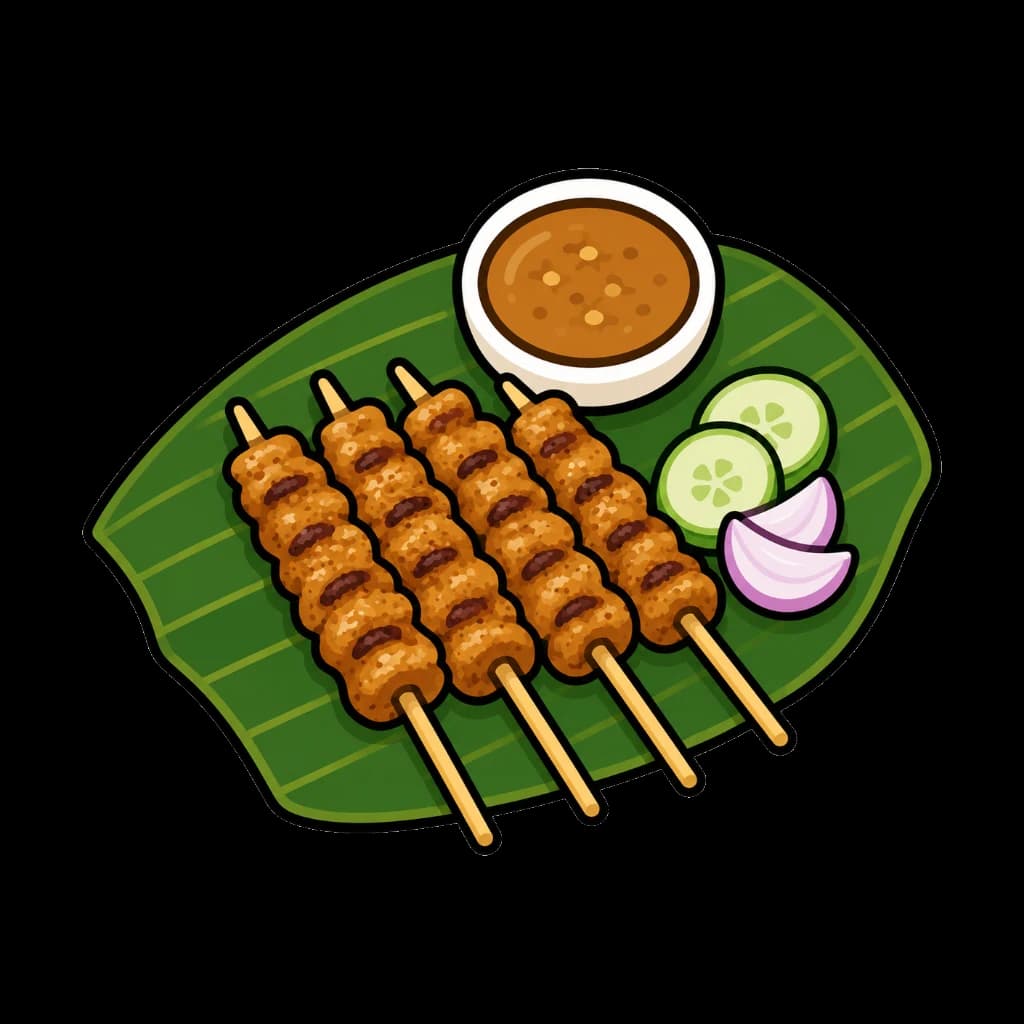
Satay
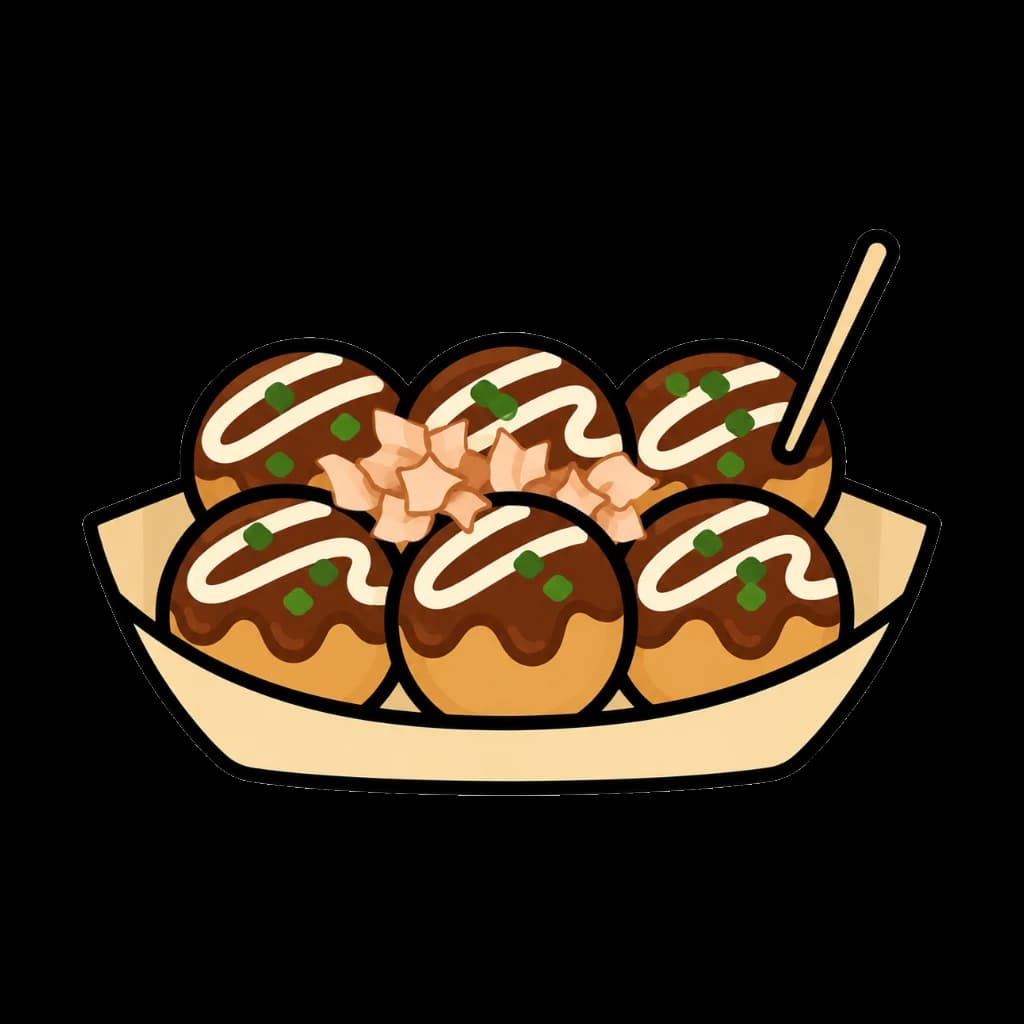
Takoyaki

Udon

Weissbier

Bibimbap
Use Cases
FAQ
No. All processing happens locally in your browser. Your images never leave your device.
ByteCut works best with single-subject images like food, characters, illustrations, emoji, stickers, and icons. Images with simple backgrounds produce the cleanest results.
WebP supports transparency like PNG but with significantly smaller file sizes (often 50-90% smaller). This means faster loading on websites and apps.
Presets are purpose-based export settings. Instead of manually configuring size and quality, pick a preset like "Food" (200px, optimized for menu thumbnails) or "Icon" (256px, optimized for UI elements).
The Sensitivity slider adjusts how aggressively ByteCut cleans the background. Lower values remove more aggressively (good for simple backgrounds), higher values preserve more detail (good for complex edges).
No. ByteCut runs entirely in your browser, so there is no sign-up or account requirement.