Sticker Assets
Prepare transparent sticker graphics for chats, apps, menus, and reusable asset libraries.
Best For
Sticker Asset Workflow
Start with a Clear Subject
Use a single food, character, icon, or graphic with a readable outline.
Review Transparency
Check the checkerboard preview to catch leftover background or missing interior gaps.
Normalize the Frame
Fit the sticker into a square canvas so it aligns with other assets.
Export Lightweight WebP
Keep the transparent background while reducing file size for app and web use.
Transparent Sticker Samples
These sample stickers show how compact transparent WebP assets can work in menus, chat interfaces, and reusable visual libraries.

Katsudon
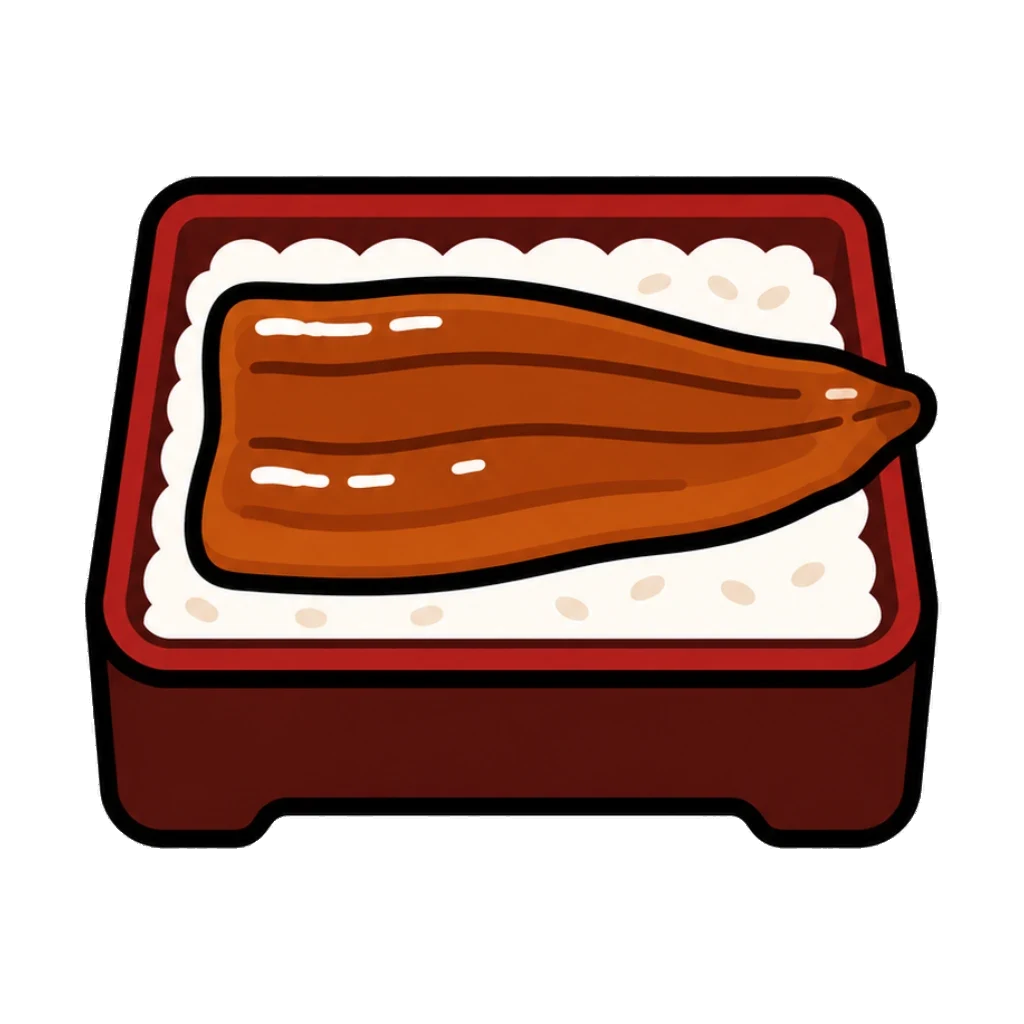
Unaju

Pretzel
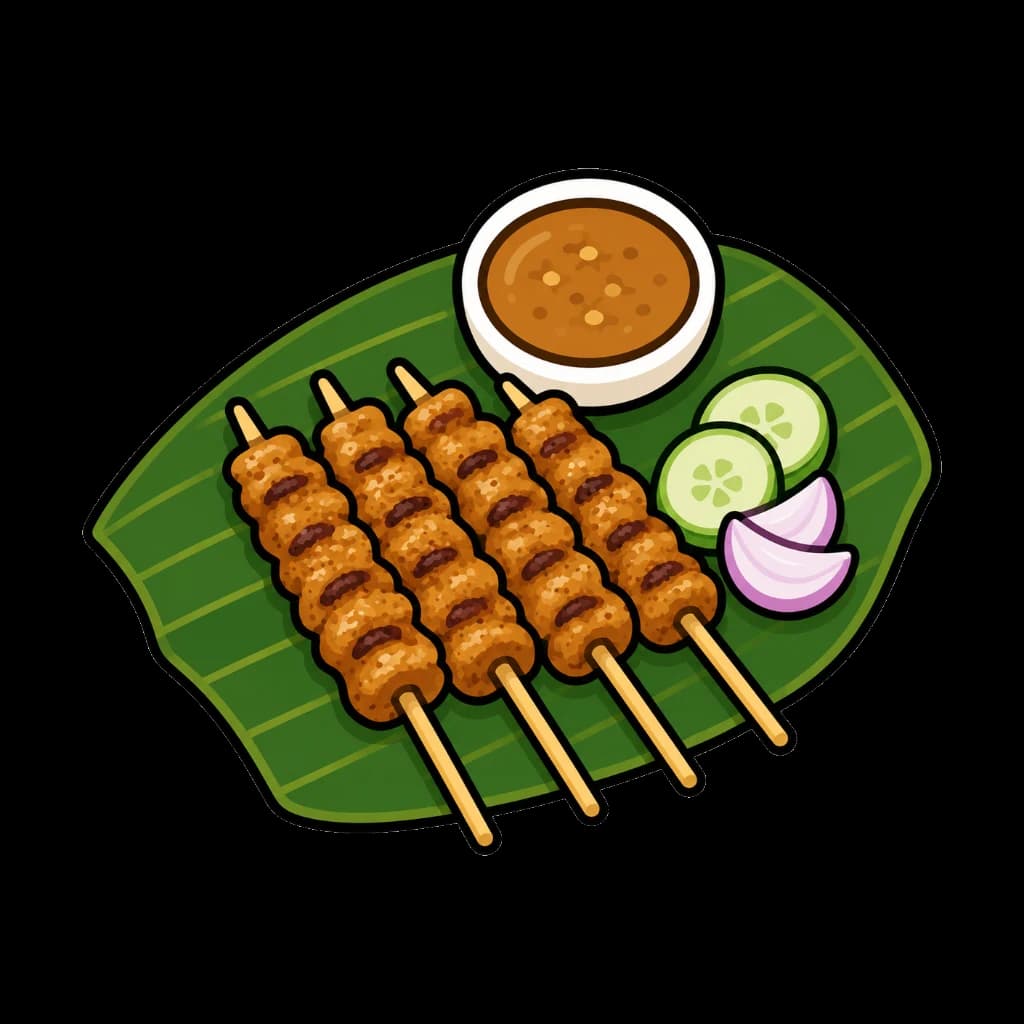
Satay
The samples demonstrate output review. Images you process in ByteCut stay in your browser.
Output Checks
Clean outline
Look for rough edges, halos, or leftover background around the sticker.
Interior gaps
Check handles, holes, and transparent spaces inside the drawing.
Reusable size
Use square presets so the sticker fits lists, grids, and UI libraries.
Sticker processing tips
Inspect holes and handles
Pretzels, cups, bowls, and skewers can contain interior spaces. Check that those spaces remain transparent where expected.
Keep outlines readable
Do not over-compress stickers with thick outlines or small highlights. The drawing should remain readable on a chat-sized canvas.
Export a consistent set
Use the same preset across a sticker pack so items sit evenly in grids, menus, or sticker trays.
For transparent stickers and reusable visual assets
Sticker graphics need clean transparent edges, predictable square framing, and small files that can be reused across apps, chats, menus, and UI libraries. ByteCut keeps that workflow in the browser.
What this workflow prepares
- Transparent WebP output for sticker-style graphics and compact asset libraries.
- Square framing helps stickers stay consistent in grids, menus, and app interfaces.
- Checkerboard previews make transparency and edge quality easier to review.
- Browser-side processing keeps source images on your device instead of uploading them.
Preparing stickers that hold up in a chat window
Stickers are viewed at thumbnail size
A sticker spends most of its life rendered small in a message bubble or a picker tray, often against both light and dark backgrounds depending on the recipient. That means the silhouette is doing almost all the work. A design with a clear outer shape stays readable; one that relies on fine internal detail turns into a smudge. Check the result against a dark background as well as a light one, since a pale fringe that is invisible on white is obvious on dark.
Transparent glass and bright liquid are the usual failures
Drink stickers are deceptively hard. The clear side of a glass, a white highlight, and the pale surface of a beverage all sit close to a white background in colour, so cleanup can carve into them and leave the glass looking bitten. If a bottle or cup came back with chunks missing along one side, reduce the sensitivity rather than accepting it, and re-check the narrow vertical surfaces where glass is thinnest.
Two objects in one image
A bottle standing next to a filled glass is a single sticker with two subjects, and that trips up naive framing: the crop either centres on one object and pushes the other to the edge, or it treats leftover specks as content and shifts everything sideways. Both meaningful objects should end up inside the frame together. If your export has clearly drifted off centre, look for a stray pixel in a corner of the source before blaming the crop.
Leave breathing room in the square
Sticker platforms crop, round corners, and add their own padding. An asset that runs edge to edge in your export will have its extremities clipped by whatever renders it. Keep a margin of transparent space around the subject so the sticker survives someone else's layout rules, and never let an important part of the artwork touch the canvas edge.
Sticker asset FAQ
Can I make transparent sticker assets?
Yes. ByteCut can prepare single-subject sticker graphics with transparent backgrounds and export them as WebP.
Which images work best for stickers?
Clear subjects with simple backgrounds work best. Food illustrations, character art, emoji-like graphics, and icons are good candidates.
Why export stickers as WebP?
WebP supports transparency while keeping files smaller than typical PNG exports, which helps app and web interfaces load faster.
Should I review sticker edges before publishing?
Yes. Check outlines, small interior gaps, shadows, and pale edges before adding the result to a production asset library.
All processing runs locally in your browser. No files are uploaded.
Create Sticker AssetsRelated Use Cases
Image Asset Cleanup
Turn source images into production-ready assets with cleanup, size normalization, and WebP export.
Remove Background
Create transparent cutouts that are ready for menus, app assets, listings, and UI libraries.
Convert to WebP
Reduce file size while maintaining visual quality. Ideal for faster websites and better SEO.
Resize Icons
Normalize image dimensions for app icons, menu thumbnails, and reusable design assets.
Food Menu Icons
Uniform food icons for restaurant menus and delivery apps.
AI Generated Food Images
Prepare AI-made food images for menus, blogs, recipe cards, and lightweight WebP publishing.
Character Assets
Transparent character art for stickers, avatars, game prototypes, and app UI.